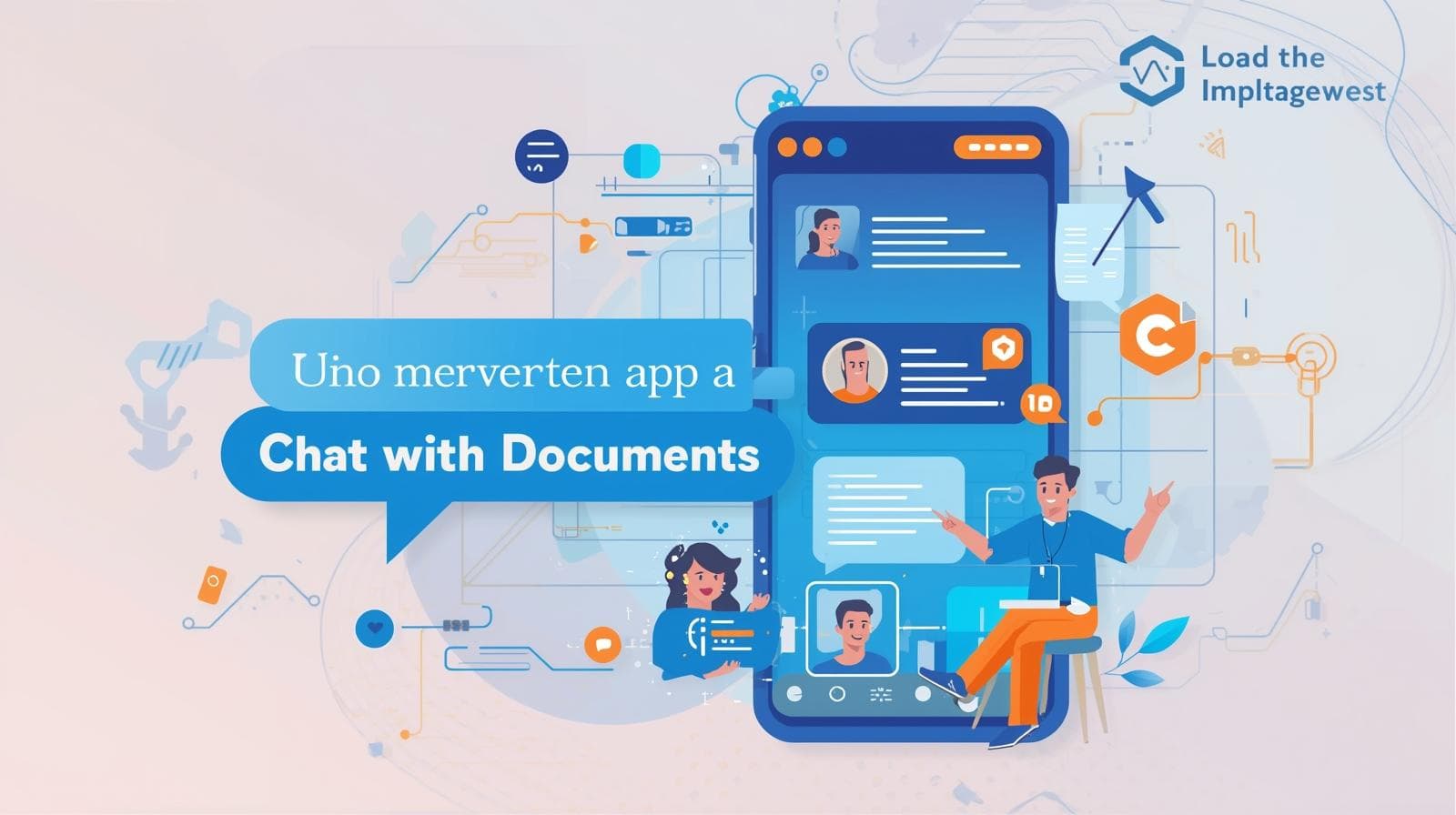
Meet Your New AI Document Assistant: Chat, Ask, and Learn
Discover how AI Document Assistants revolutionize the way we interact with documents, making knowledge extraction and research faster and more efficient.
What is an AI Document Assistant?
Imagine being able to talk to your documents the same way you'd chat with a colleague or research partner. That's the power of an AI Document Assistant a next-generation tool designed to make working with information smarter, faster, and more interactive. An AI Document Assistant uses natural language processing (NLP) and machine learning to understand, analyze, and respond to questions about documents. Instead of manually reading through reports, academic papers, or manuals, users can ask questions directly and get instant, accurate answers.
For instance, with PDFPal.io, you can upload any document such as a research paper, business proposal, or legal contract—and chat with it naturally:
- "What is the summary of section 4?"
- "List all key statistics in this document."
- "What conclusions did the author reach?"
The assistant instantly processes the document, identifies relevant sections, and delivers an answer—saving you hours of manual work.
This is not just search; it's knowledge extraction powered by AI.
Core Features of AI Document Assistants
AI Document Assistants combine intelligence, automation, and ease of use into one seamless experience. Let's explore their most important features and how PDFPal makes them shine.
1. Natural Language Understanding
You don't need technical commands. Just ask in plain English. The AI interprets context, meaning, and even follow-up questions for smooth, human-like conversation.
2. Knowledge Extraction
AI assistants can identify the most valuable information from large documents—key data, quotes, tables, and summaries—without you reading every page.
3. Summarization
Get concise summaries of entire documents or specific sections. Perfect for professionals reviewing reports or students studying long research papers.
4. Document Automation
Beyond chat, AI document assistants automate repetitive tasks—like generating summaries, tagging important data, or organizing key points into reports.
5. Cross-Document Learning
Advanced tools (like what's coming soon to PDFPal) allow users to chat across multiple documents, comparing ideas or extracting linked information.
6. Secure File Handling
Privacy is crucial. PDFPal ensures that all uploaded files remain confidential and are processed securely in real time no third-party sharing or storage.
7. Accessibility and Speed
No downloads or heavy software needed. Just upload, ask, and learn anytime, anywhere. PDFPal works perfectly on desktop and mobile, making document automation accessible to everyone.
Real-World Examples: How People Use AI Document Assistants
AI Document Assistants are no longer a futuristic concept they're already transforming work and study routines globally. Let's look at how different users benefit.
1. Students and Researchers
Research involves hours of reading and note-taking. With an AI document assistant:
- You can summarize academic papers instantly.
- Ask detailed questions about methods, results, or citations.
- Extract direct quotes for essays or projects.
Example:
A university student uploads three scientific PDFs into PDFPal, asks, "Compare their findings on renewable energy efficiency," and receives a concise, data-backed summary.
2. Business Professionals
For entrepreneurs, analysts, and managers, time is money. An AI assistant helps them:
- Review contracts, proposals, and reports in minutes.
- Extract metrics or legal clauses instantly.
- Generate executive summaries automatically.
Example:
A project manager uploads a client proposal and asks, "What are the main deliverables and deadlines?"PDFPal provides a precise breakdown instantly.
3. Legal and Compliance Teams
Legal professionals use document assistants to review long agreements or regulatory files. They can:
- Identify risks or unusual clauses.
- Extract policy changes.
- Generate summaries for case briefs.
4. Educators and Trainers
Teachers and corporate trainers use document assistants to create learning material:
- Extract definitions, examples, and summaries.
- Turn PDFs into interactive learning chats.
- Build personalized quizzes from training documents.
5. Writers and Content Creators
Writers can use document chat tools for inspiration or fact extraction, turning research-heavy documents into quick insights.
How an AI Document Assistant Saves You Time
Time-saving is where AI document assistants truly excel. They reduce cognitive overload, boost productivity, and allow you to focus on high-value tasks instead of tedious reading.
1. Instant Answers
No more searching line by line. Just ask a question and receive an accurate, contextual response immediately.
2. Rapid Summaries
Long document? No problem. AI summarizes in seconds, allowing you to capture the big picture fast.
3. Smart Search
Forget Ctrl+F. AI understands meaning—not just keywords. Ask concept-based questions like, "What are the environmental impacts mentioned?"
4. Seamless Workflow Integration
Tools like PDFPal fit perfectly into your daily workflow. Upload your file, chat, extract information, and export the results to your project notes or CRM system.
5. Enhanced Decision-Making
By automating document understanding, AI empowers professionals to make faster, more informed decisions with confidence.
Getting Started with PDFPal

Starting with PDFPal.io is simple and free to try. Follow these steps to unlock the power of your new AI Document Assistant:
Step 1: Upload Your Document
Go to PDFPal.io and drag your PDF or Word file into the upload section. The system supports a wide range of file types.
Step 2: Start the Chat
Once your file is uploaded, start chatting. You can ask questions like:
- "What's the summary of this report?"
- "Who is the author?"
- "List the key statistics."
Step 3: Explore Features
- Generate summaries.
- Extract insights for presentations.
- Get direct answers for research or work.
Step 4: Save and Share
Export your responses or summaries and share them with teammates or classmates. Collaboration becomes effortless.
Why Choose PDFPal?
- Clean, modern interface
- Instant AI-powered insights
- Secure and private file processing
- Ideal for research, business, and education
- Accessible on desktop and mobile
In just minutes, you'll realize how much time you've been wasting reading manually.
The Future of Document Automation
We're entering an era where AI document assistants are becoming as essential as email or cloud storage. Over the next few years, we'll see major advancements in how AI understands and interacts with information.
Predicted Trends
- Voice Interaction: Talk to your documents using speech-to-text AI.
- Multi-File Learning: Chat across multiple PDFs at once to cross-reference ideas.
- Personalized AI Memory: Your assistant will remember your preferences and previous chats.
- Deeper Integration: Sync with Notion, Google Docs, or Slack for seamless document automation.
PDFPal is already working toward these innovations helping users move from reading documents to conversing with knowledge itself.
Final Thoughts
The way we interact with information is changing forever.
With an AI Document Assistant like PDFPal.io, you no longer just read documents you understand them faster, extract insights instantly, and automate repetitive work effortlessly. Whether you're a student, researcher, entrepreneur, or analyst, PDFPal brings knowledge extraction, chatbots for research, and document automation into one powerful, easy-to-use platform.
The future of productivity is conversational.
Meet your new AI Document Assistant today: chat, ask, and learn with PDFPal.io.
Related Articles
How Businesses Use AI to Analyze and Chat with Documents
Discover how AI transforms document workflows in finance, law, and HR. Learn how businesses worldwide use AI-powered document automation to boost productivity, reduce costs, and drive ROI.
From Reading to Talking: How AI Lets You "Chat" with Your Files
Discover how AI-powered tools let you talk to your files instead of reading them. Learn about file AI assistants, productivity benefits, and how PDFPal transforms document management for professionals worldwide.

How AI-Powered Document Chat is Revolutionizing the Way We Work with PDFs
Discover how AI document chat technology transforms PDF interaction, enabling conversational document analysis that saves time and unlocks insights from complex documents across industries.